Coding super-intelligence to find the most optimized Python code. Use it to optimize existing codebases or new Pull requests as a GitHub Action or a VS Code Extension.
| .github/workflows | ||
| code_to_optimize | ||
| codeflash | ||
| tests | ||
| mypy_allowlist.txt | ||
| pyproject.toml | ||
| README.md | ||

Codeflash
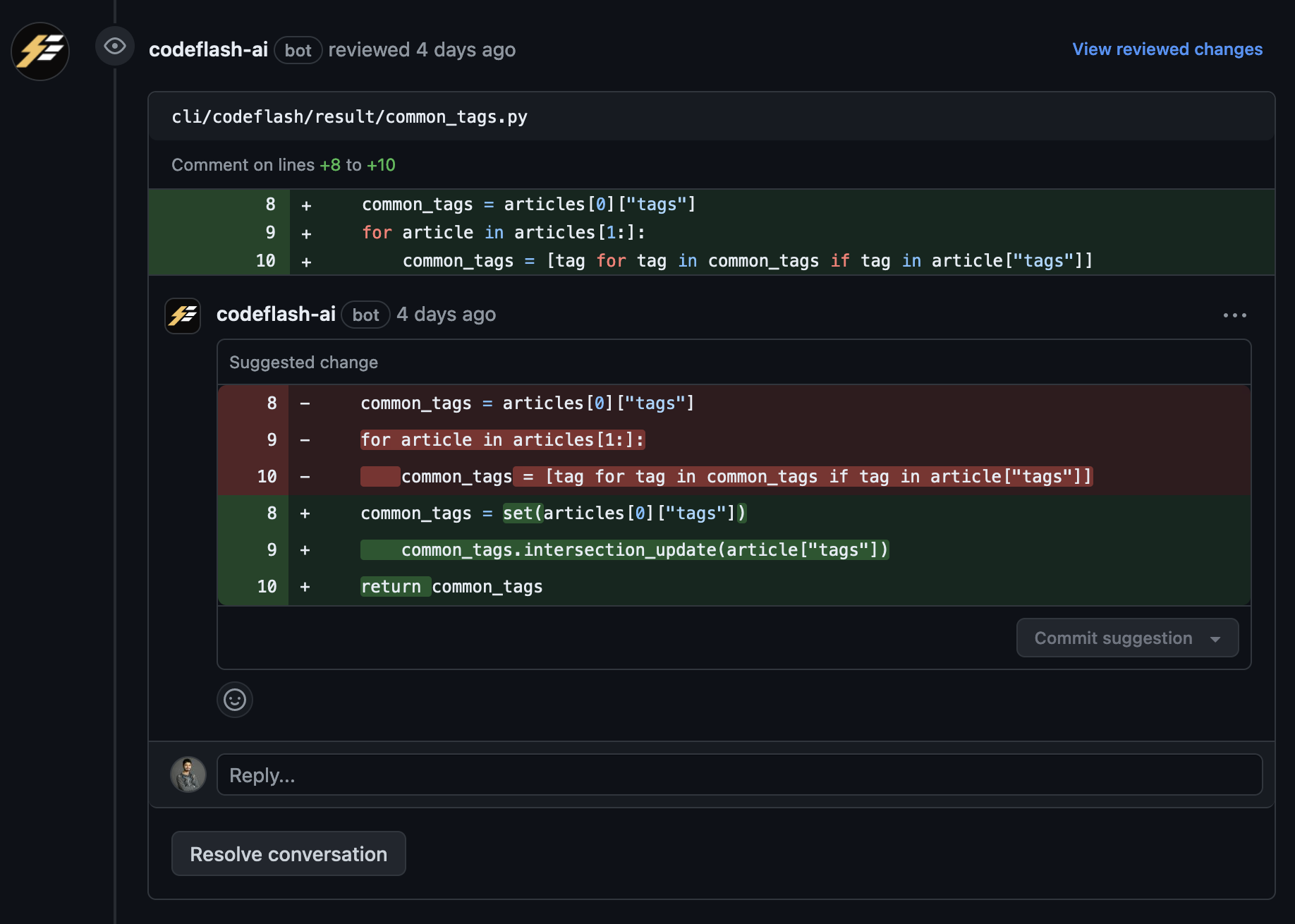
Codeflash is an AI optimization tool that automatically improves the performance of your Python code while maintaining its correctness.
Features
- Automatically optimizes your code using AI
- Maintains code correctness through extensive testing
- Opens a pull request for each optimization
- Continuously optimizes your codebase through CI
- Dynamically optimizes your real workflows through tracing
Installation
To install Codeflash, run:
pip install codeflash
Quick Start
-
Configure Codeflash for your project:
codeflash init -
Optimize a function:
codeflash --file path/to/your/file.py --function function_name -
Optimize your entire codebase:
codeflash --all
Getting the Best Results
To get the most out of Codeflash:
- Install the Github App and actions workflow
- Find optimizations on your whole codebase with codeflash --all
- Find and optimize bottlenecks with the Codeflash Tracer
- Review the PRs Codeflash opens
Learn More
License
Codeflash is licensed under the BSL-1.1 License. See the LICENSE file for details.